
Rays
Rays Multi-effect
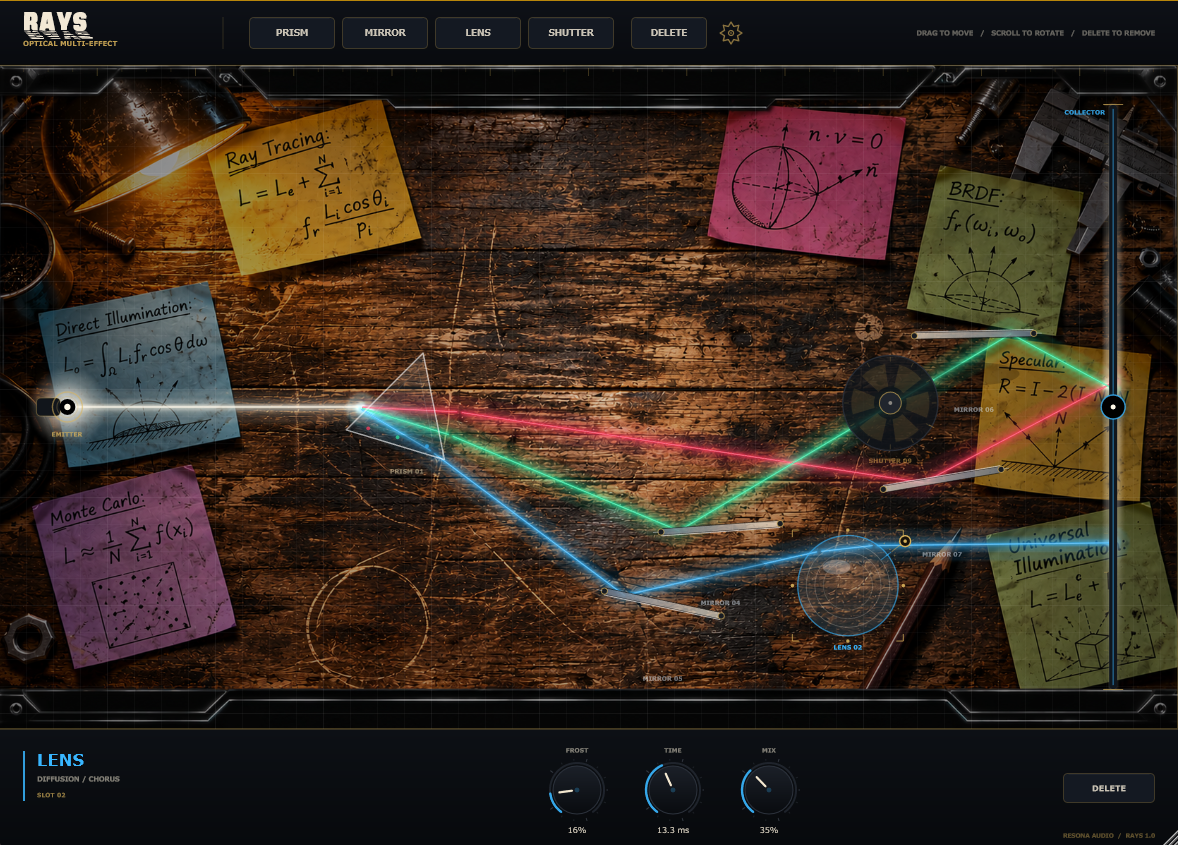
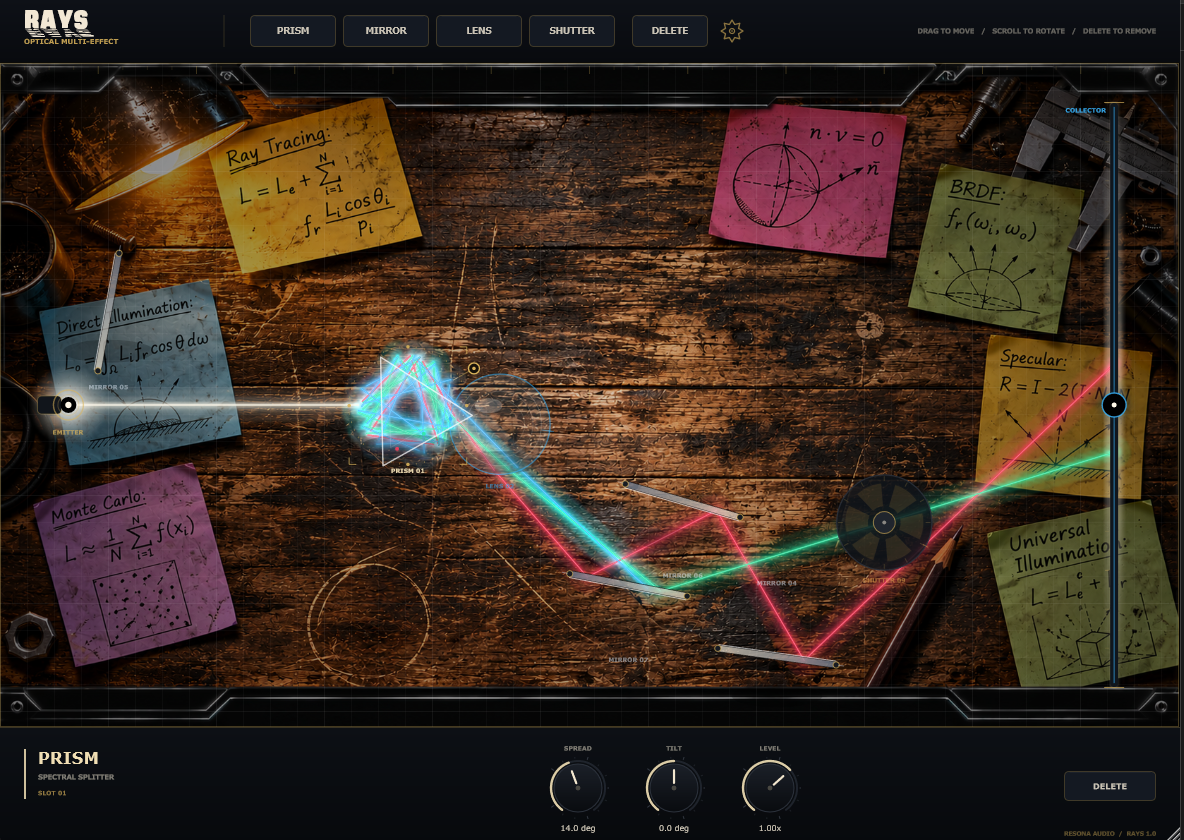
Rays is not a conventional effect chain. It is an optical laboratory where
audio enters as a beam of light and travels across a physical workbench. Every
prism, mirror, lens and shutter the beam touches changes both its route and its
sound. Move an object and the signal path changes. Rotate it and the character
changes. Stack objects and the beam branches, reflects, diffuses and reunites
at the collector in ways that are immediate to see and hear.
At the centre of the workbench is a sixteen-bounce ray-tracing engine. A single
beam can split through a prism into three spectral bands, reflect from mirrors,
pass through diffusion and chorus stages, and be interrupted by a tempo-locked
shutter before reaching the output. Up to twelve optical objects can occupy the
bench at once, with each object contributing its own colour and behaviour to
the route. The result is a multi-effect that feels less like adjusting a list of
plugins and more like performing with a small, luminous machine.
The sound is designed to move. The prism divides the spectrum into three
Linkwitz-Riley bands that can be spread and tilted across the bench. Mirrors
add drive, stereo width and reflection-driven auto-pan. Lenses smear time and
tone through modulated all-pass diffusion and stereo chorus. Shutters chop,
pulse and strobe, with free-running rates or host-synced divisions. Because
these stages are connected by the path of the beam rather than a fixed serial
order, the same four object types can produce spectral delays, animated
wideband motion, broken rhythmic textures or restrained, slowly shifting
colour.
Rays is built for exploration, but it is also a serious production tool. Every
object position, rotation and parameter is automatable, the global wet/dry and
output level are always within reach, and the complete workbench is saved with
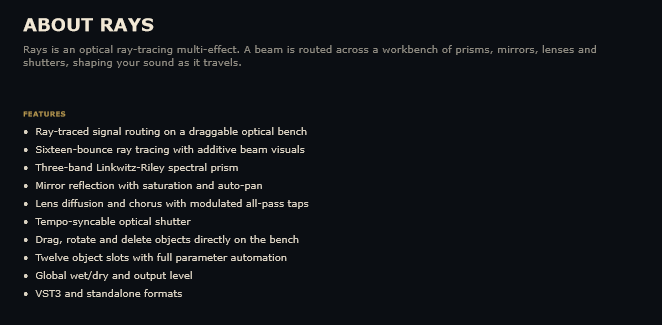
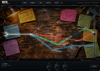
your session. The interface is a dark, tactile optical bench with a live beam,
an emitter, a collector and a control dock that follows the selected object.
Presets are not required to get somewhere interesting: spawn an object, move
it into the light and listen.
KEY FEATURES
------------
- Visual optical workbench with a live emitter, collector and branching beam.
- Sixteen-bounce ray-traced signal routing with additive beam visuals.
- Twelve configurable object slots on a single bench.
- Prism: three-band Linkwitz-Riley spectral splitter with spread, tilt and
level controls.
- Mirror: reflection, tanh saturation, stereo width, pan bias and
reflection-driven auto-pan.
- Lens: feed-forward all-pass diffusion and modulated stereo chorus with frost,
time and mix controls.
- Shutter: optical tremolo and strobe with free-running rate or tempo-synced
divisions, duty cycle and softness.
- Drag, rotate, select and delete objects directly on the workbench.
- Full parameter automation and complete session state recall.
- Global Optical Mix and Output Level, plus a Reset Workbench command.
- Resizable, scale-aware interface with Settings and About tabs.
- VST3 plug-in and standalone application for 64-bit Windows.
HOW IT WORKS
------------
1. Spawn a prism, mirror, lens or shutter from the toolbar.
2. Drag it across the bench and rotate it to redirect the beam.
3. Select it to reveal its dedicated controls in the dock.
4. Add more objects to split, reflect, diffuse or interrupt the signal path.
5. Blend the collected light with the dry signal using Optical Mix, then trim
the result with Output Level.
The beam display is not a decorative meter. It shows the actual graph the audio
is travelling through, including branches that never reach the collector. A
path that looks closed is closed; a path that reaches the sensor is heard.